

Chrome extension · Free
The right card at checkout.
CardRewards ranks cards by what they earn at the store you're on and marks the ones in your wallet, before you pay. Earn rates and point values, folded into one number: cents back per dollar.
- Works at thousands of stores
- Syncs with your CardRewards wallet
3 steps, then forget it's there.
It stays quiet until a purchase is on the line.
- Step 1Add it to ChromeOne click from the Chrome Web Store. No account needed to start.
- Step 2Tell it your cardsSign in to sync your CardRewards wallet, or pick cards in the extension. Card products only, never numbers.
- Step 3Shop like normalOn a checkout page, a small panel names the best card and what it earns per dollar. Nothing else changes.
1 number you can compare.
Every card is scored in cents back per dollar at the store you're on: its earn rate there, times what its points are worth. That puts a points card and a cash back card side by side.
How ranking worksAt AmazonCents back per $1
- Prime Visa10% back on Amazon10¢

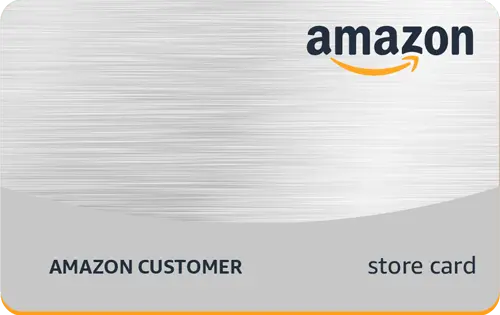
- Amazon Prime Store Card5% back on Amazon5¢
- Amazon Visa3% back on Amazon3¢

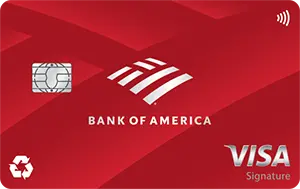
- Bank of America Customized Cash Rewards Credit Card3% back on Online Shopping3¢
- Card numbers never leave your browserIt knows which card products you hold, never their numbers, and it never reads what you type into a store's forms. At a store's checkout it sends only that store's name, plus your sign-in if you've linked an account.
- Ranked by earn rates and point valuesThe order comes from published earn rates and our point valuations. Card issuers do not influence it.
- Quiet by defaultNothing while you browse. It speaks up on checkout pages only, and “Hide on this site” mutes it for a store.